Sentiment Analysis at Scale: Measuring Satisfaction Without Survey Fatigue
Learn passive sentiment collection through support interactions, usage patterns, and micro-feedback. Reduce surveys by 70% while improving insight quality.
Summary
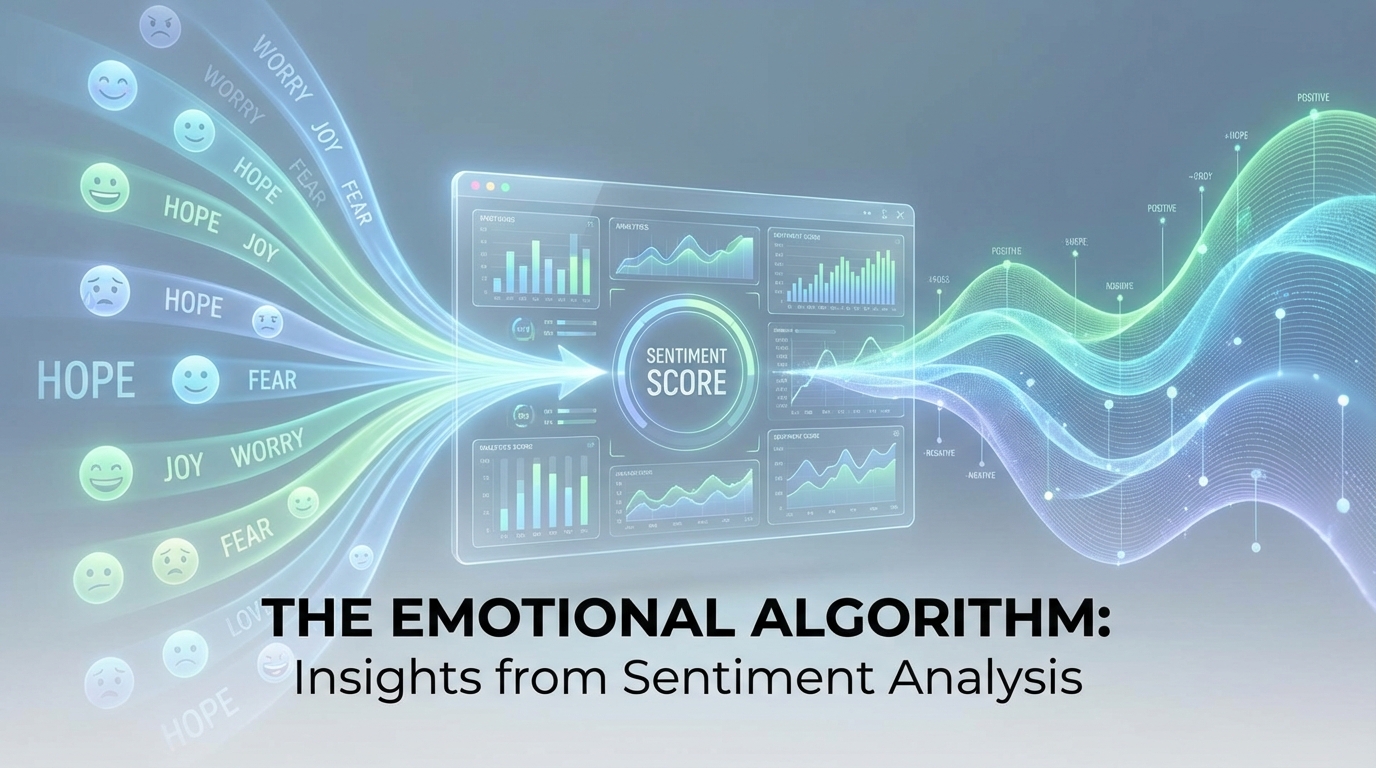
Traditional satisfaction surveys suffer from low response rates and respondent fatigue. Modern sentiment analysis extracts user satisfaction signals from support interactions, feature usage patterns, and micro-feedback moments—without asking users to fill out another form. This approach reduces survey frequency by 70% while providing continuous, contextual insight into how users actually feel.
The Survey Fatigue Crisis
Product teams are addicted to surveys. NPS quarterly. CSAT after support tickets. Feature satisfaction after releases. Onboarding feedback during week one. The result: users drowning in requests, response rates plummeting, and the vocal minority dominating your data.
The Numbers Don't Lie
Survey response rates have declined steadily:
- NPS surveys: 15-30% response rate (down from 40%+ a decade ago)
- CSAT surveys: 5-15% response rate
- In-app surveys: 1-5% response rate
And the respondents aren't representative. You hear from:
- People with strong opinions (positive or negative)
- People with time to spare
- People who feel obligated (enterprise customers, power users)
The silent majority remains invisible.
The Hidden Cost
Every survey has a price beyond low response rates:
User goodwill: Each survey request withdraws from the relationship bank Attention competition: Survey requests compete with product communication Data quality: Fatigued respondents give less thoughtful answers Timing bias: Surveys capture moments, not relationships
Beyond Surveys: Passive Sentiment Collection
What if you could understand user sentiment without asking? Passive collection analyzes signals users generate naturally through their product interactions.
Signal Source 1: Support Interactions
Every support conversation contains sentiment information beyond the explicit request.
Language analysis:
- Word choice intensity: "frustrated" vs. "annoyed" vs. "mildly confused"
- Punctuation patterns: Multiple exclamation points or question marks
- Response length: Long explanations often signal frustration
- Gratitude signals: "Thanks so much" vs. "okay" vs. no closing
Behavioral patterns:
- Repeat contact rate: Same issue multiple times suggests unresolved frustration
- Escalation requests: Asking for managers indicates serious dissatisfaction
- Response timing: Quick replies suggest urgency/frustration
- Channel switching: Moving from chat to email to phone signals growing frustration
Resolution indicators:
- Time to resolution correlation with follow-up sentiment
- Self-service success vs. human support needs
- Solution acceptance vs. continued pushing
Signal Source 2: Usage Patterns
Actions speak louder than survey responses. Usage patterns reveal satisfaction through behavior.
Engagement indicators:
- Login frequency trends: Declining logins often precede churn
- Feature adoption curves: Healthy users explore; struggling users retreat
- Session duration: Very short or very long sessions both signal problems
- Return rate: Users who find value come back
Friction indicators:
- Error rate per user: High errors suggest UX problems
- Retry patterns: Repeated attempts at same action
- Abandonment points: Where do users give up?
- Help-seeking behavior: Documentation visits, tooltip hovers
Value indicators:
- Core feature usage: Are they using what they're paying for?
- Advanced feature adoption: Growth into power features signals satisfaction
- Workflow completion: Do they finish what they start?
- Output volume: Are they getting results?
Signal Source 3: Micro-Feedback Moments
Brief interactions capture sentiment with minimal user burden.
Binary reactions:
- Helpful/not helpful on documentation
- Thumbs up/down on AI responses
- Single-click ratings after actions
Implicit signals:
- Copy button usage on code examples (it was useful)
- Share button clicks (it was worth sharing)
- Bookmark/save actions (they want to return)
Completion patterns:
- Tutorial completion rates
- Onboarding step progression
- Feature setup follow-through
Building a Sentiment Intelligence System
Combining passive signals creates a complete picture without survey dependency.
The Sentiment Score Model
Aggregate signals into a unified sentiment score:
Sentiment Score =
  (Support Signals × 0.3) +
  (Usage Signals × 0.4) +
  (Micro-feedback × 0.2) +
  (Direct Feedback × 0.1)
Weight distribution reflects signal reliability and availability. Usage patterns are weighted heavily because they're continuous and hard to game.
Individual vs. Aggregate Analysis
Individual sentiment tracking:
- Health score per user/account
- Trend direction (improving, stable, declining)
- Risk indicators for churn prediction
- Trigger events worth investigating
Aggregate sentiment analysis:
- Overall user base health trends
- Segment comparisons (plan type, cohort, region)
- Feature-specific satisfaction
- Impact measurement after changes
Temporal Patterns
Sentiment isn't static. Track it over time.
| Timeframe | What to Look For |
|---|---|
| Daily | Unusual spikes or drops after releases |
| Weekly | Cyclical patterns (Monday frustration?) |
| Monthly | Trend direction over time |
| Cohort | How sentiment evolves with tenure |
Time-series analysis reveals whether changes help or hurt, and catches problems before they compound.
AI-Powered Sentiment Extraction
Modern AI transforms raw signals into sentiment intelligence.
Natural Language Understanding
Support conversations contain explicit and implicit sentiment:
Explicit sentiment:
"I'm really frustrated that this still doesn't work."
AI identifies: Frustration, repeated issue, expectation gap
Implicit sentiment:
"I've been trying to figure this out for two hours."
AI identifies: Time investment indicates importance + frustration Urgency level: High Underlying issue: Possibly documentation or UX
Pattern Recognition
AI identifies sentiment patterns humans miss:
Engagement decay curve: Subtle reduction in usage frequency over weeks Feature avoidance: Users consistently skipping certain features Workaround signals: API usage patterns that suggest UI shortcomings Time-of-day patterns: After-hours usage might indicate deadline pressure
Anomaly Detection
AI flags unusual sentiment signals:
- Individual user sentiment dropping rapidly
- Segment-wide sentiment shift after release
- Unexpected correlation between features and satisfaction
- Geographic or role-based sentiment variations
Reducing Survey Dependency
Passive sentiment doesn't eliminate surveys entirely—it makes them strategic.
The New Survey Strategy
Before: Surveys as primary sentiment source After: Surveys for validation and deep exploration
| Survey Type | Old Frequency | New Frequency | Purpose |
|---|---|---|---|
| NPS | Quarterly | Semi-annually | Benchmark validation |
| CSAT | After every ticket | On sampling basis | Support quality check |
| Feature feedback | Every release | Major releases only | Deep qualitative input |
| Onboarding | Day 1, 7, 30 | Day 30 only | Experience summary |
Targeted Survey Triggers
Instead of scheduled surveys, trigger based on signals:
Positive triggers (capture testimonials):
- Sentiment score exceeds threshold
- Major milestone achieved
- Renewal just completed
Negative triggers (understand problems):
- Sentiment score drops rapidly
- Usage pattern suggests struggle
- Support volume increasing
Neutral triggers (fill knowledge gaps):
- New feature adoption unclear
- Segment behavior diverging
- Random sampling for validation
Survey Quality Improvements
Fewer surveys means each one matters more. Invest in quality:
- Personalize questions based on known context
- Reference specific user behavior
- Keep surveys short (3-5 questions max)
- Explain why their specific feedback matters
Implementation Roadmap
Building sentiment intelligence takes time. Here's a practical path.
Phase 1: Foundation (Month 1)
Data collection setup:
- Instrument support channels for sentiment extraction
- Ensure usage analytics capture necessary events
- Implement one micro-feedback mechanism
Basic analysis:
- Manual review of support conversation sentiment
- Usage pattern baseline establishment
- Define initial sentiment score model
Phase 2: Automation (Month 2-3)
AI integration:
- Deploy NLP for support sentiment extraction
- Build usage-based health score model
- Create anomaly detection rules
Dashboard development:
- Individual user sentiment views
- Aggregate trends visualization
- Alert configuration
Phase 3: Optimization (Month 4+)
Survey reduction:
- Cut scheduled survey frequency by 50%
- Implement trigger-based survey logic
- Measure response quality improvement
Model refinement:
- Validate sentiment scores against outcomes
- Adjust signal weights based on predictive power
- Expand signal sources
Key Takeaways
-
Survey fatigue is real: Response rates are declining and respondents aren't representative. Over-surveying damages the metrics you're trying to measure.
-
Behavior reveals sentiment: Usage patterns, support interactions, and micro-feedback provide continuous insight without explicit asking.
-
AI enables scale: Natural language understanding and pattern recognition extract sentiment from thousands of interactions automatically.
-
Combine signals for accuracy: No single source is reliable alone. Weighted combination of multiple signals creates robust sentiment intelligence.
-
Surveys become strategic: Instead of primary data source, surveys validate passive findings and explore specific questions.
-
Track trends, not snapshots: Time-series analysis reveals whether you're improving and catches problems early.
-
Personalize when you do ask: With passive context, the surveys you do send can be shorter, more relevant, and better received.
User Vibes OS combines AI sentiment analysis with strategic feedback collection across the entire user journey. Measure satisfaction without survey fatigue.
Related Articles
AI-Powered Feedback Routing: Getting Issues to the Right Team
Use AI classification to automatically route feedback to product, support, engineering, or success teams. Eliminate manual triage and reduce response times.
The Support Ticket Goldmine: Extracting Product Intelligence from Help Requests
Learn techniques for mining support conversations for feature gaps, UX friction, and documentation needs using AI categorization and pattern analysis.
Real-Time Sentiment Dashboards for Product Teams
Build dashboards that show user mood as it happens, not weeks later in reports. Monitor sentiment at scale and respond before problems escalate.
Written by User Vibes OS Team
Published on January 10, 2026