AI-Powered Feedback Routing: Getting Issues to the Right Team
Use AI classification to automatically route feedback to product, support, engineering, or success teams. Eliminate manual triage and reduce response times.
Summary
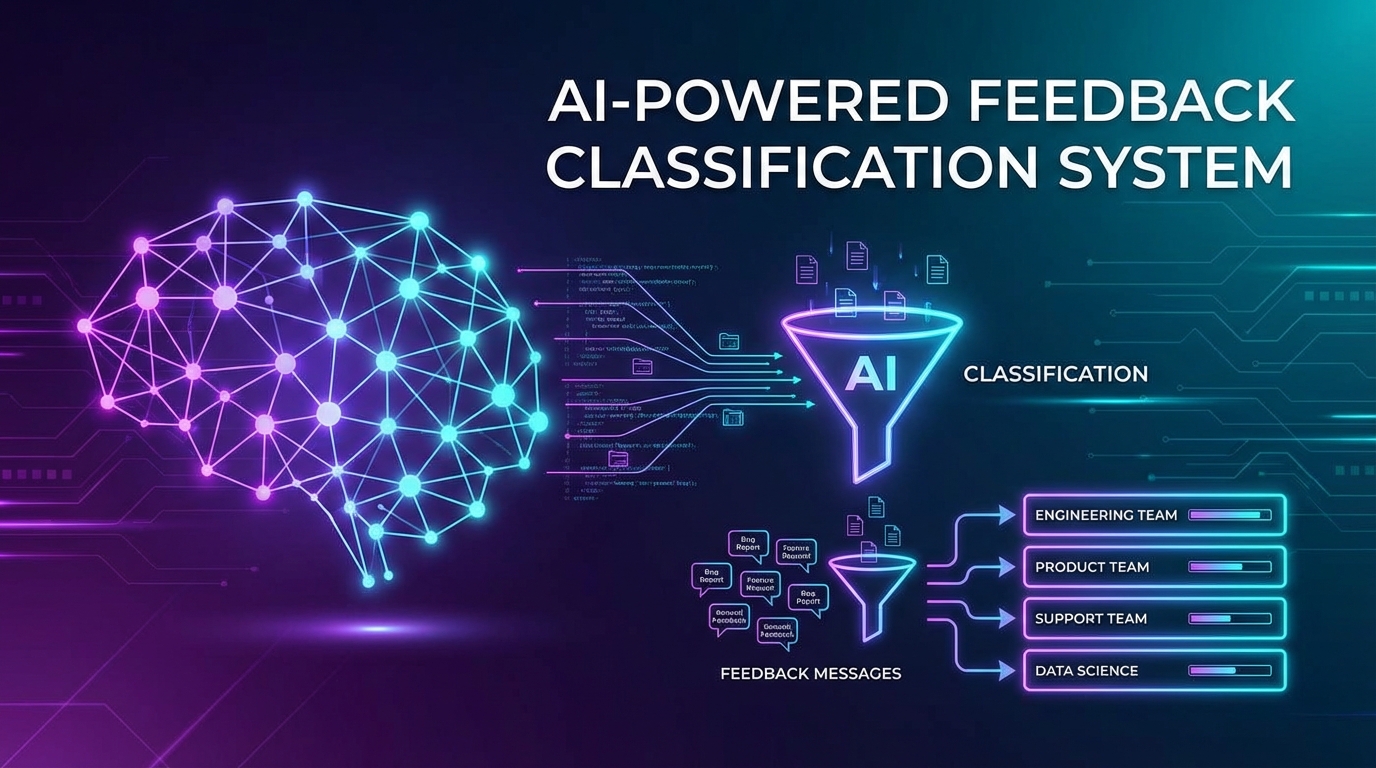
Manual feedback triage creates bottlenecks. Someone has to read each piece of feedback, understand it, and route it to the right team—product, engineering, support, success, or marketing. AI-powered routing automates this process, classifying feedback in real-time and delivering it to the team best equipped to act. This guide covers how to build, train, and operate AI routing systems that get feedback to the right people faster.
The Manual Triage Problem
Every feedback item requires a routing decision.
The Hidden Cost of Manual Routing
Consider the math:
- 500 feedback items per week
- 2 minutes average to read, understand, and route
- 16+ hours per week of triage work
- Often done by expensive product or support managers
Beyond time cost, manual routing introduces:
- Inconsistency: Different people route differently
- Delays: Feedback waits in queues for human review
- Errors: Misrouted feedback causes duplicate work
- Burnout: Repetitive triage is draining
What Good Routing Looks Like
Effective routing delivers feedback to teams that can act:
| Feedback Type | Routing Destination | Why |
|---|---|---|
| Bug report | Engineering | Can fix the issue |
| Feature request | Product | Can evaluate for roadmap |
| How-to question | Support | Can provide guidance |
| Complaint | Customer Success | Can manage relationship |
| Praise | Marketing | Can leverage for testimonials |
| Security concern | Security team | Requires specialized handling |
| Billing issue | Finance/Support | Can resolve account issues |
The challenge is making these distinctions automatically.
AI Classification Fundamentals
Understanding how AI routing works helps you implement it effectively.
Classification Approaches
Rule-based classification:
- Keyword matching and regular expressions
- Simple but brittle
- Requires constant rule maintenance
- Good for clear-cut cases
Machine learning classification:
- Learns patterns from labeled examples
- Handles nuance and ambiguity
- Improves with more data
- Requires training data
Hybrid approaches:
- ML classification with rule-based overrides
- Rules handle edge cases ML misses
- Best of both worlds
Multi-Label vs. Single-Label
Feedback often belongs to multiple categories:
- "The dashboard is slow and I need help exporting data" = Bug + Support question
Single-label systems:
- Force one category per feedback
- Simpler to implement
- May lose information
Multi-label systems:
- Allow multiple categories
- Better reflects reality
- Requires handling overlap
Most routing systems benefit from multi-label classification.
Confidence Scores
AI classifications come with confidence levels:
| Confidence | Action |
|---|---|
| >90% | Auto-route, no review needed |
| 70-90% | Auto-route, flag for audit |
| 50-70% | Route to most likely, easy reassignment |
| Less than 50% | Queue for human triage |
Confidence thresholds let you balance automation with accuracy.
Building Your Classification Model
Training an effective classifier requires thoughtful data preparation.
Defining Categories
Start by defining what categories you need:
By team:
- Product
- Engineering
- Support
- Customer Success
- Marketing
- Security
By type:
- Bug report
- Feature request
- Question
- Complaint
- Praise
- Other
By urgency:
- Critical (blocking work)
- High (significant impact)
- Normal (standard handling)
- Low (when time permits)
Most systems combine dimensions: "Bug report + Engineering + High priority"
Training Data Preparation
Quality training data determines classifier quality:
Data sources:
- Historically routed feedback (with human labels)
- Support ticket categorizations
- Product backlog items
- Customer success notes
Data requirements:
- Minimum 100-500 examples per category for ML
- Balanced representation across categories
- Recent data (language and issues evolve)
- Clean labels (verified accuracy)
Labeling Guidelines
Create clear guidelines for consistent labeling:
Bug vs. Feature Request:
- Bug: Something that was supposed to work doesn't
- Feature: Something new that doesn't exist
Question vs. Complaint:
- Question: Seeking information or guidance
- Complaint: Expressing dissatisfaction
Edge cases:
- "This feature is confusing" = Feature feedback? Support need? Bug?
- Document decisions for consistency
Model Training
For most teams, pre-trained models with fine-tuning work best:
Using language models (GPT, Claude, etc.):
- Provide examples in prompts
- Fine-tune with your labeled data
- Lower data requirements
- Higher accuracy on nuanced cases
Traditional ML (if preferred):
- TF-IDF or embeddings + classifier
- Requires more data
- Faster inference
- More control over the model
Routing Logic Design
Classification is only part of routing. Logic determines what happens next.
Routing Rules Engine
Build rules that combine classification with context:
IF category = "bug"
   AND product_area = "billing"
   AND user.plan = "enterprise"
THEN route_to: billing_engineering_team
     priority: high
     sla: 4_hours

IF category = "feature_request"
   AND sentiment < -30
   AND user.mrr > 1000
THEN route_to: product_manager_direct
     priority: high
     sla: 24_hours
Escalation Paths
Define what happens when routing fails:
Auto-escalation triggers:
- Feedback unactioned for >SLA period
- User responds to acknowledgment with frustration
- Same user submits duplicate feedback
Escalation targets:
- Manager of assigned team
- Customer success for high-value accounts
- Product leadership for systemic issues
Load Balancing
Distribute feedback fairly across team members:
Round-robin:
- Simple distribution across team
- Ignores expertise and workload
Weighted distribution:
- Account for current queue sizes
- Consider individual capacity
Skill-based routing:
- Match feedback topics to expertise
- Faster, higher-quality responses
Integration Architecture
Connect AI routing to your existing tools.
System Design
[Feedback Sources] → [Classification Service] → [Routing Engine] → [Destination Queues]
       ↓                      ↓                        ↓                    ↓
   Surveys              ML Model              Business Rules         Jira/Linear
   Support            Confidence              Priority Calc          Slack
   In-app               Scores                Assignment            Zendesk
API Design
Classification endpoint:
POST /classify
{
  "text": "The export feature keeps timing out when I try to download large reports",
  "user_id": "usr_123",
  "source": "in_app_feedback"
}

Response:
{
  "classifications": [
    {"category": "bug", "confidence": 0.92},
    {"category": "support_question", "confidence": 0.34}
  ],
  "suggested_route": {
    "team": "engineering",
    "queue": "performance_issues",
    "priority": "high",
    "confidence": 0.89
  },
  "requires_review": false
}
Destination Integrations
Route to wherever teams actually work:
Issue trackers:
- Create Jira/Linear tickets with proper labels
- Link to original feedback
- Include user context
Communication tools:
- Post to relevant Slack channels
- Notify assigned individuals
- Enable quick reassignment
CRM systems:
- Update contact records
- Trigger workflows
- Track feedback history
Operating the Routing System
Deployment is just the beginning.
Monitoring Dashboard
Track routing system health:
Volume metrics:
- Feedback per day by category
- Routing decisions per hour
- Queue sizes by team
Quality metrics:
- Auto-routing rate (high confidence decisions)
- Reassignment rate (routing errors)
- Time to action by route
Alert conditions:
- Queue exceeding threshold
- Reassignment rate spike
- Unclassifiable feedback surge
Feedback Loop for Model Improvement
Learn from routing corrections:
Track reassignments:
- When humans override AI routing
- Capture correct category
- Feed back into training data
Regular retraining:
- Weekly or monthly model updates
- Include recent corrections
- Test on holdout data
Accuracy tracking:
- Plot accuracy over time
- Identify degrading categories
- Trigger retraining when needed
Human-in-the-Loop Processes
Maintain human oversight:
Daily audit:
- Review sample of auto-routed feedback
- Check low-confidence decisions
- Verify high-stakes routing (enterprise, complaints)
Weekly review:
- Analyze reassignment patterns
- Identify category confusion
- Update routing rules
Quarterly evaluation:
- Full accuracy assessment
- Category relevance review
- Model comparison and update
Handling Edge Cases
AI routing isn't perfect. Plan for exceptions.
Ambiguous Feedback
Some feedback genuinely belongs in multiple categories:
- "I need help setting up the integration, but also it crashed" = Support + Bug
Solutions:
- Route to primary category, cc secondary
- Create combined queues for common overlaps
- Enable easy forwarding between teams
New Issue Types
Novel problems don't fit existing categories:
Detection:
- Monitor "other" category volume
- Track low-confidence classifications
- Watch for new keyword clusters
Response:
- Create new categories when patterns emerge
- Retrain model with new examples
- Update routing rules
Adversarial Inputs
Users might try to game routing:
- Writing "URGENT" to increase priority
- Including keywords to reach specific teams
- Automated spam submissions
Defenses:
- Use full content analysis, not just keywords
- Consider user history in routing
- Rate-limit and validate inputs
Measuring ROI
Justify investment in AI routing.
Time Savings
Calculate direct labor savings:
Manual triage time: 2 min/feedback × 500/week = 1,000 min = 16.7 hours
AI routing time: ~0 human time (automated)
Savings: 16+ hours/week = ~1 FTE per 2,000 weekly feedback items
Response Time Improvement
Measure before vs. after:
| Metric | Before AI Routing | After AI Routing |
|---|---|---|
| Time to first response | 4.2 hours | 1.3 hours |
| Time to resolution | 2.3 days | 0.9 days |
| Same-day resolution rate | 34% | 67% |
Quality Improvements
Track downstream effects:
- Fewer misrouted items
- Higher customer satisfaction
- Better feedback actionability
- Reduced duplicate work
Common Pitfalls
Over-Automating Too Fast
Start with high-confidence routing, expand gradually:
- Week 1-2: >95% confidence only
- Week 3-4: >85% confidence
- Month 2: >75% confidence
Rushing causes errors that erode trust.
Ignoring Category Drift
User language and issues change:
- New features create new feedback types
- Terminology evolves
- Issue patterns shift
Monitor and retrain regularly.
Siloing Feedback
Routing to specific teams can fragment insight:
- Product never sees support conversations
- Engineering misses user frustration
- Success doesn't know about bugs
Solution: Route for action, share for visibility. Multiple teams can see feedback even if one owns response.
Neglecting the Reassignment UX
If reassignment is hard, people work around the system:
- One-click reassignment
- Clear category explanations
- Easy feedback to routing team
Make correction frictionless.
Key Takeaways
- Manual triage doesn't scale: AI routing saves hours per week
- Classification needs training data: Start labeling feedback now
- Combine ML with rules: Hybrid systems handle nuance and edge cases
- Confidence thresholds matter: Don't auto-route when uncertain
- Build feedback loops: Learn from corrections to improve over time
- Measure the impact: Track time savings and response improvements
User Vibes OS automatically classifies and routes feedback to the right teams using AI-powered analysis. Learn more.
Related Articles
The Support Ticket Goldmine: Extracting Product Intelligence from Help Requests
Learn techniques for mining support conversations for feature gaps, UX friction, and documentation needs using AI categorization and pattern analysis.
Sentiment Analysis at Scale: Measuring Satisfaction Without Survey Fatigue
Learn passive sentiment collection through support interactions, usage patterns, and micro-feedback. Reduce surveys by 70% while improving insight quality.
Feedback Metrics That Matter: Response Rates, Quality Scores, and Actionability Benchmarks
The essential metrics for measuring feedback program health. Benchmark your response rates, assess feedback quality, and track actionability for continuous improvement.
Written by User Vibes OS Team
Published on January 15, 2026