JWT Authentication for Embedded Widgets: When Signatures Replace Ownership Checks
Learn why JWT signature verification IS authorization for embedded widgets. Understand how cryptographic proof through project-specific secret keys provides multi-tenant isolation without explicit ownership database checks.
Summary
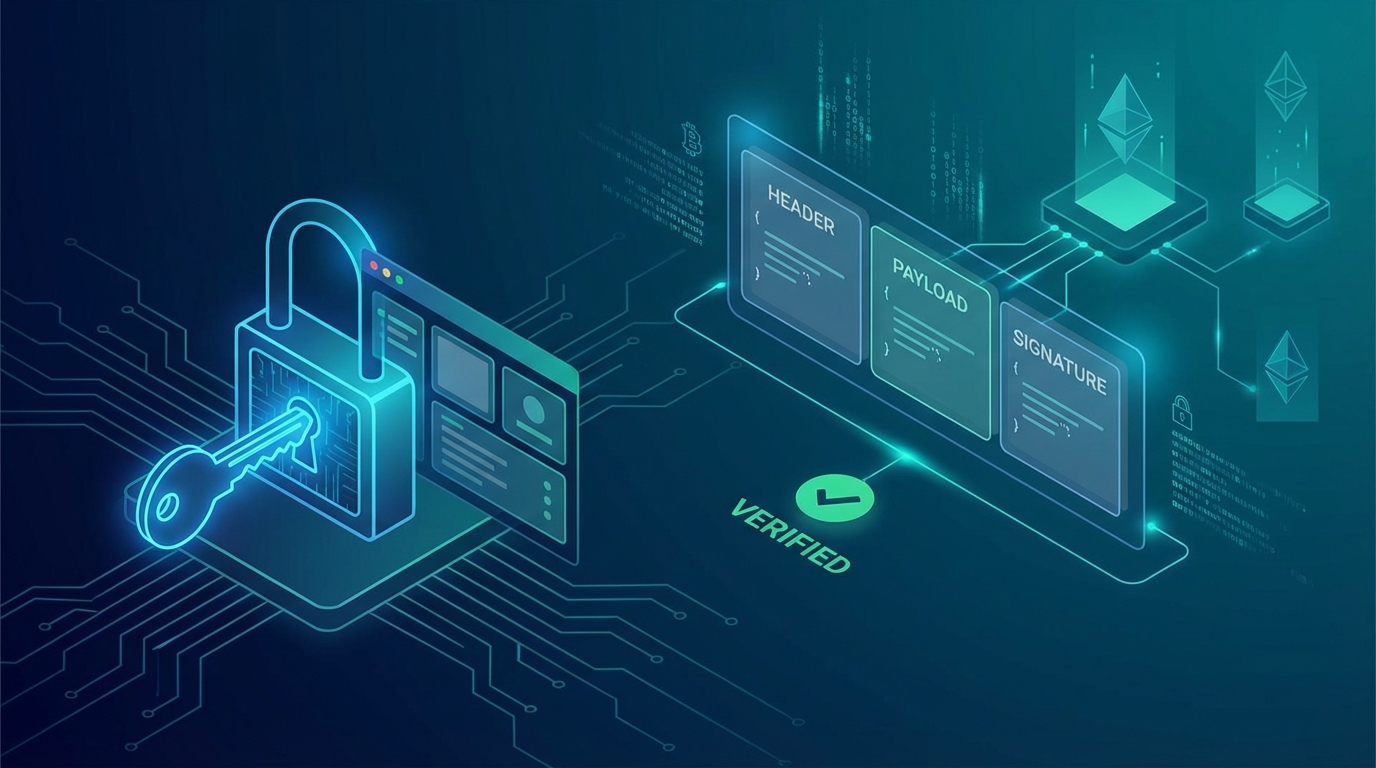
When security auditors review embedded widget APIs, they often flag endpoints for "missing ownership checks." But for JWT-protected widget endpoints, this feedback misses a critical architectural point: JWT signature verification with a project-specific secret key IS the authorization check. This article explains why cryptographic proof replaces traditional database ownership queries in multi-tenant widget architectures.
The Traditional Authorization Pattern
In most APIs, authorization follows a predictable pattern:
async function updateResource(resourceId: string, data: UpdateData) {
  const user = await getCurrentUser();
  const resource = await db.get(resourceId);

  // Explicit ownership check
  if (resource.ownerId !== user.id) {
    throw new ForbiddenError("Not authorized");
  }

  return await db.update(resourceId, data);
}
This pattern makes sense when:
- You have direct user authentication
- Resources belong to specific users
- The request includes a resource ID that needs ownership verification
But embedded widgets operate in a different paradigm entirely.
The Widget Security Challenge
Embedded widgets present a unique security puzzle. Your widget runs on your customer's website, handling actions from their end users. The architecture looks like this:
┌─────────────────────────────────────────────────────────────┐
│  Customer's Website (customer.com)                          │
│  ┌─────────────────────────────────────────────────────────┐│
│  │  Your Embedded Widget                                    ││
│  │  ┌─────────────────────────────────────────────────────┐││
│  │  │  End User: alice@example.com                        │││
│  │  │  Action: Submit feedback, vote, comment             │││
│  │  └─────────────────────────────────────────────────────┘││
│  └─────────────────────────────────────────────────────────┘│
└─────────────────────────────────────────────────────────────┘
                           │
                           ▼
              ┌─────────────────────────┐
              │  Your Widget API        │
              │  (api.yourservice.com)  │
              └─────────────────────────┘
The challenge: How do you authorize requests when:
- The end user has no account on your platform
- Multiple customers embed your widget on different sites
- Each customer's data must be completely isolated
Two-Tier Security Architecture
Modern embedded widgets solve this with a two-tier approach:
Tier 1: Public Key Authentication (Direct Client)
For lower-risk operations, the widget uses a public key:
// Customer embeds widget with public key
<UserVibesWidget
  projectId="project_abc123"
  publicKey="pk_live_xyz789"
/>
Public keys provide:
- Origin validation: Only requests from allowed domains are accepted
- Rate limiting: Per-IP and per-fingerprint throttling
- Behavioral tracking: Anomaly detection for abuse patterns
This tier is suitable for read operations and public feedback boards.
Tier 2: Secret Key + JWT (Secure Server Proxy)
For authenticated actions, the customer's server acts as a proxy:
┌──────────────────────────────────────────────────────────────────┐
│                      Tier 2: JWT Authentication Flow              │
├──────────────────────────────────────────────────────────────────┤
│                                                                  │
│  1. End user authenticates on customer's website                 │
│     ┌─────────────┐                                              │
│     │  Customer   │  alice@example.com logs in                   │
│     │  Website    │──────────────────────────────►               │
│     └─────────────┘                                              │
│                                                                  │
│  2. Customer server generates JWT with user data                 │
│     ┌─────────────┐                                              │
│     │  Customer   │  Signs JWT with SECRET KEY (SK)              │
│     │  Server     │  { id, email, name, exp, jti }               │
│     └─────────────┘                                              │
│           │                                                      │
│           ▼                                                      │
│  3. Widget sends JWT to your API                                 │
│     ┌─────────────┐     ┌─────────────┐                          │
│     │   Widget    │────►│  Your API   │                          │
│     │             │     │             │                          │
│     └─────────────┘     └─────────────┘                          │
│                                │                                 │
│  4. API verifies JWT signature with project's secret             │
│     - Fetches project by ID                                      │
│     - Gets project's unique secret key                           │
│     - Verifies HMAC-SHA256 signature                             │
│     - If valid: Request is authorized                            │
│                                                                  │
└──────────────────────────────────────────────────────────────────┘
Why JWT Signature IS Authorization
Here is the key insight that trips up many security reviewers:
The JWT signature verification with the project's unique secret key IS the ownership check.
Let us trace the logic:
Step 1: Each Project Gets a Unique Secret Key
When a customer creates a project, the system generates a cryptographically secure secret key:
// During project setup
const secretKey = generateSecureRandomKey(); // 256-bit key
await db.insert("apiKeys", {
  projectId: project._id,
  key: secretKey,
  keyType: "SK", // Secret Key
  isActive: true,
});
This secret key is:
- Unique to each project: No two projects share a key
- Known only to the project owner: Displayed once, never stored in plaintext
- Required for JWT signing: Without it, you cannot create valid JWTs
Step 2: Customer Signs JWTs with Their Secret
On the customer's backend, they sign JWTs containing end-user data:
// Customer's backend code
import jwt from 'jsonwebtoken';

const SECRET_KEY = process.env.USERVIBES_SECRET_KEY; // sk_live_xxx

function generateWidgetToken(user: AuthenticatedUser) {
  return jwt.sign(
    {
      id: user.id,
      email: user.email,
      name: user.name,
      exp: Math.floor(Date.now() / 1000) + 300, // 5 min expiry
      jti: crypto.randomUUID(), // Unique token ID for replay protection
    },
    SECRET_KEY,
    { algorithm: 'HS256' }
  );
}
Step 3: Widget Sends Request with JWT
The widget includes the JWT and project ID in its requests:
// Widget client code
const response = await fetch('https://api.uservibes.com/api/widget/submit', {
  method: 'POST',
  headers: { 'Content-Type': 'application/json' },
  body: JSON.stringify({
    projectId: 'project_abc123',
    jwt: signedTokenFromServer,
    fingerprint: deviceFingerprint,
    title: 'Feature request title',
    description: 'Detailed description...',
  }),
});
Step 4: API Verifies Signature with Project's Secret
This is where the "magic" happens. The API:
- Extracts the project ID from the request
- Fetches the project's unique secret key from the database
- Verifies the JWT signature using HMAC-SHA256
async function verifyJWTSignature(
  data: string,
  signature: string,
  secretKey: string
): Promise<boolean> {
  const encoder = new TextEncoder();
  const keyData = encoder.encode(secretKey);
  const dataToVerify = encoder.encode(data);

  const cryptoKey = await crypto.subtle.importKey(
    "raw",
    keyData,
    { name: "HMAC", hash: "SHA-256" },
    false,
    ["verify"]
  );

  // Convert base64url signature to bytes
  const signatureBytes = base64UrlDecode(signature);

  return await crypto.subtle.verify(
    "HMAC",
    cryptoKey,
    signatureBytes,
    dataToVerify
  );
}
The Cryptographic Guarantee
If the signature is valid, it mathematically proves that:
- The JWT was signed with this specific project's secret key
- The caller has possession of that secret key
- Therefore, the caller is authorized to act on behalf of this project
An attacker cannot forge a valid JWT for Project A using Project B's secret key. The HMAC-SHA256 signature would be invalid, and the request would be rejected.
Attack Scenario Analysis
Let us examine why traditional ownership checks would be redundant:
Attack: Using Another Project's ID
// Attacker's malicious request
{
  projectId: "victim_project_id", // Victim's project
  jwt: attackerSignedToken,       // Signed with attacker's secret key
  // ...
}
Result: Request REJECTED
The API fetches the victim's project secret key, attempts to verify the JWT signature, and fails because the attacker's JWT was signed with a different key.
Attack: No JWT / Invalid JWT
// Attacker bypasses JWT
{
  projectId: "victim_project_id",
  jwt: "fake_token_or_empty",
  // ...
}
Result: Request REJECTED
The signature verification fails immediately.
Attack: Replay Attack
// Attacker captures a valid JWT and replays it
{
  projectId: "project_id",
  jwt: capturedValidToken, // Already used once
  // ...
}
Result: Request REJECTED
Each JWT includes a unique jti (JWT ID). After first use, the token is marked as consumed in an atomic database transaction:
// Check if token already used
const usedToken = await db
  .query("usedTokens")
  .withIndex("byJti", (q) => q.eq("jti", jti))
  .first();

if (usedToken) {
  await logSecurityEvent("jwt_replay_attack", { jti, projectId });
  return { valid: false, error: "Token already used" };
}

// Atomically mark as used
await db.insert("usedTokens", { jti, projectId, usedAt: Date.now() });
Attack: Algorithm Confusion ("alg: none")
// Attacker creates token with no signature requirement
{
  "alg": "none",
  "typ": "JWT"
}.{
  "id": "attacker",
  "email": "attacker@evil.com"
}.
Result: Request REJECTED
The system explicitly validates the algorithm before signature verification:
const ALLOWED_JWT_ALGORITHMS = ["HS256"];

const algorithm = header.alg || "none";
if (!ALLOWED_JWT_ALGORITHMS.includes(algorithm)) {
  await logSecurityEvent("jwt_algorithm_attack", {
    attemptedAlgorithm: algorithm
  });
  return { valid: false, error: "Invalid algorithm" };
}
When Ownership Checks ARE Needed
This cryptographic authorization model works because of a specific constraint: the secret key grants full project access.
You would need explicit ownership checks if:
- Team Access: Multiple users share access to a project with different permission levels
- Shared Secrets: Multiple projects somehow share the same secret key (never do this)
- Resource-Level Permissions: Individual resources within a project have different access rules
For single-owner projects where the secret key represents full administrative access, the JWT signature is sufficient.
Implementation Best Practices
Short Token Expiry
Limit the damage window if a token is compromised:
const token = jwt.sign(payload, SECRET_KEY, {
  algorithm: 'HS256',
  expiresIn: '5m', // 5 minutes maximum
});
Include JTI for Replay Protection
Always include a unique token identifier:
{
  jti: crypto.randomUUID(),
  // ... other claims
}
Validate All Required Claims
Do not just verify the signature. Validate the payload:
// Required end-user fields
if (!userData.id || !userData.email || !userData.name) {
  return { valid: false, error: "Missing required fields" };
}

// Expiration
if (payload.exp && payload.exp < Math.floor(Date.now() / 1000)) {
  return { valid: false, error: "Token expired" };
}

// Not issued in future (clock skew protection)
if (payload.iat && payload.iat > now + 60) {
  return { valid: false, error: "Token issued in future" };
}
Log Security Events
Track and alert on suspicious patterns:
await logSecurityEvent({
  eventType: "jwt_validation_failed",
  severity: "high",
  metadata: {
    fingerprint,
    endpoint,
    errorMessage,
    endUserEmail: decoded?.email,
  },
});
Key Takeaways
-
JWT signature verification with project-specific keys IS authorization - The signature proves possession of the secret, which proves project ownership
-
Multi-tenant isolation through cryptography - Each project's unique secret key provides complete isolation without database ownership checks
-
Defense in depth still matters - Combine signature verification with algorithm validation, replay protection, expiration checks, and security logging
-
Document your security model - Help future auditors understand that the apparent "missing" ownership check is intentional architecture, not an oversight
-
Know when this model applies - This works for single-owner projects where the secret key represents full access. Add explicit checks when introducing team access or shared resources
This article is part of the Secure Vibe Coding series. For more security architecture deep-dives, subscribe to our RSS feed.
Related Articles
Behavioral Anomaly Detection: Security Signals in User Feedback
Detect account takeovers, fraud attempts, and security incidents through unusual patterns in user behavior and feedback. Turn feedback into a security sensor.
Security Monitoring for SaaS: Detecting Threats Before Breaches
Learn proactive security monitoring for SaaS applications. Covers threat detection signals, anomaly patterns, and AI-powered alerting strategies.
Secure Feedback Collection: A Defense-in-Depth Approach to Customer Data
Learn how to protect customer feedback with a 5-layer security architecture. Covers OWASP best practices, CSRF protection, rate limiting, input validation, and authentication for SaaS feedback widgets.
Written by Secure Vibe Team
Published on January 9, 2026